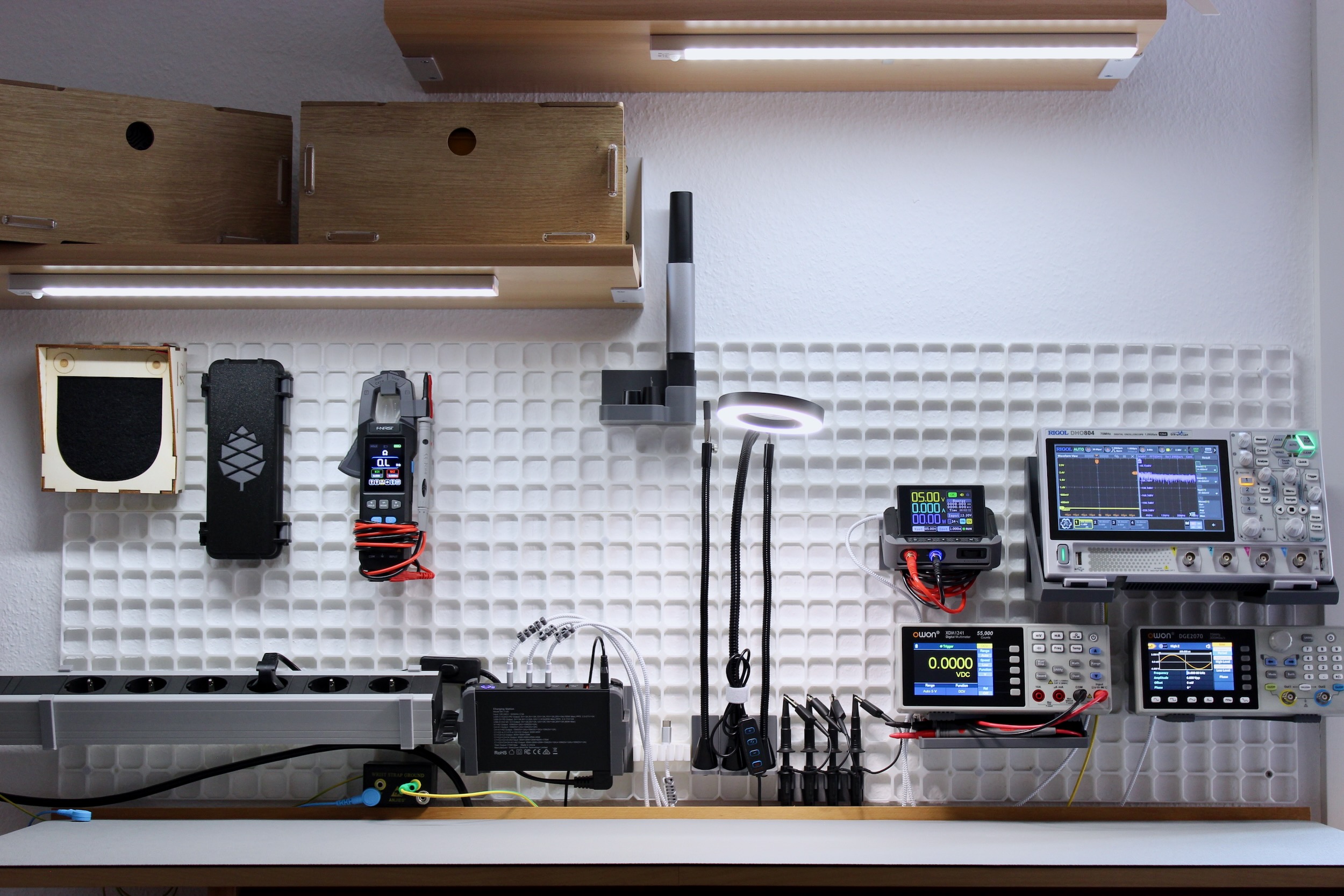
All the models are available here. For commercial use, this collection is available as well.
Since I recently bought a new printer, a lot of new possibilities have opened up. One of them was exploring “organization systems.” Well-known examples are MultiBoard/MultiBuild and Gridfinity. After looking into them a bit more, I found MultiBoard overly complex for what I really needed. Eventually I came across openGrid, which immediately felt more appealing: it has an open license, and the design is simpler and sleeker.
I also had a good use case for a wall grid system: a small electronics workspace where many of the devices are better mounted on the wall so they do not take up space on the small table. With a grid system, I can freely move the devices around depending on what I need at the time, and I could just as easily use them in another workspace that also has openGrid installed. In theory, a mount or holder could snap directly into an openGrid wall, but it is actually nicer, and even more flexible to use the Multiconnect system in between. A Multiconnect snap for openGrid is a small part that snaps into the openGrid system and exposes the Multiconnect interface. It is also available for MultiBoard and other systems, or it can simply be printed on its own. I like to use this snap or this anti-rotation snap. The mounts and holders then just need the corresponding slots, which are also easier to print in the usual orientation.
Even though many of the electronic devices I wanted to mount or hold are quite popular, there were hardly any suitable mounts or holders available for them. Since I am no stranger to CAD, I started building my own models in FreeCAD. As is often the case, it turned out to be more work than expected, and it usually took two or three prints before I ended up with something I was happy with.
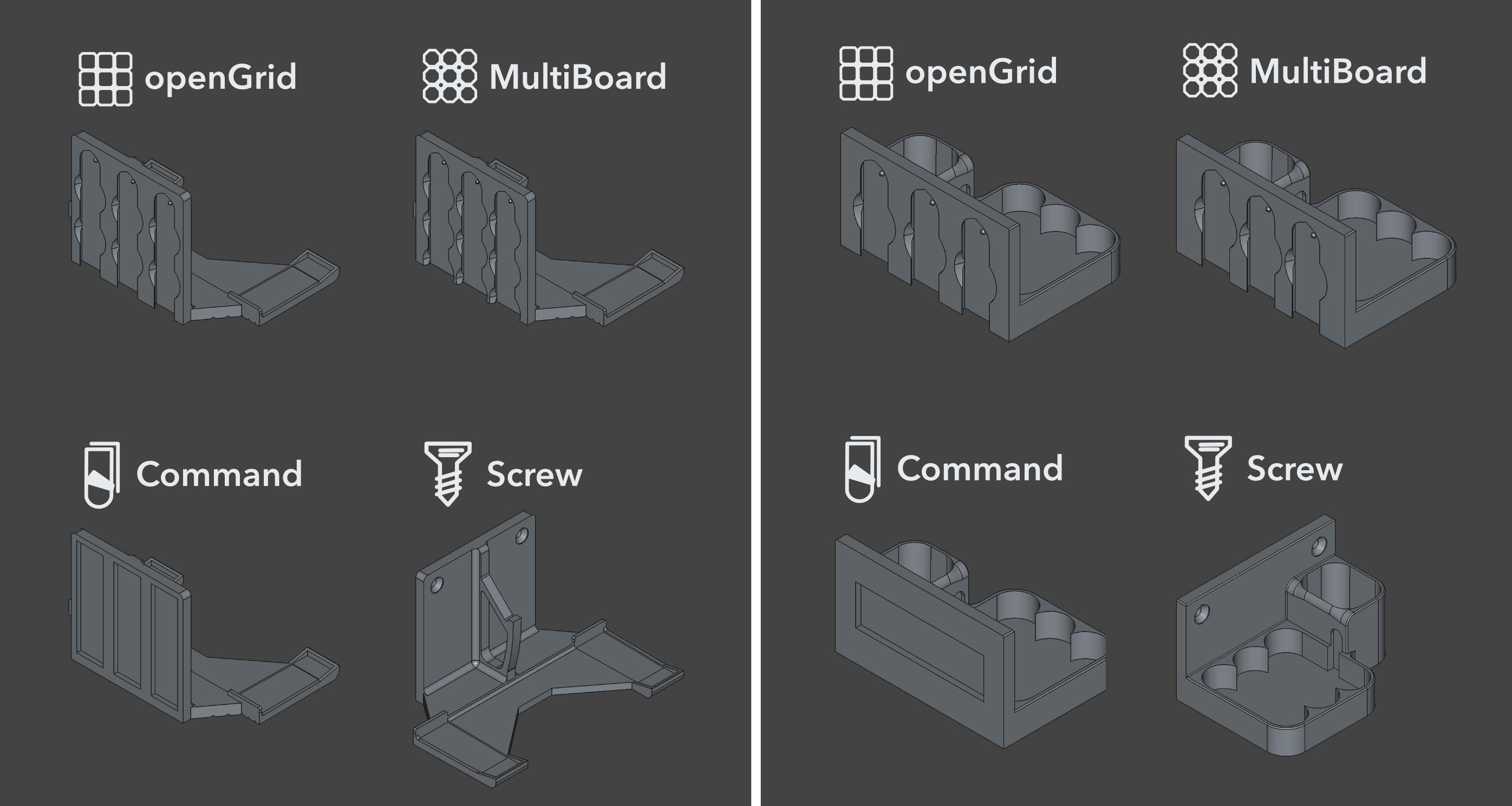
I also gave some thought to how the mounts and holders should be attached. Not everyone uses openGrid; maybe you use MultiBoard, or maybe you just want to attach them to a wall with screws or 3M Command strips. So I built a FreeCAD macro that could generate all those different variants. In practice, though, that turned out to be easier said than done. The macro became fairly involved, especially because almost every model needed adjustments for at least some of the variants. For example, the placement and orientation of the Command strips sometimes needed to be adjusted. It was also necessary to make the print orientation adjustable, since changing it also changed the direction of the teardrop-shaped holes that I use because they are easier to print. There are also alignment options and a number of offsets to account for, such as screw positions or the placement of the Multiconnect slots. The latter is especially important for the two-part models, which need precise offsets so that the device fits properly in the end.
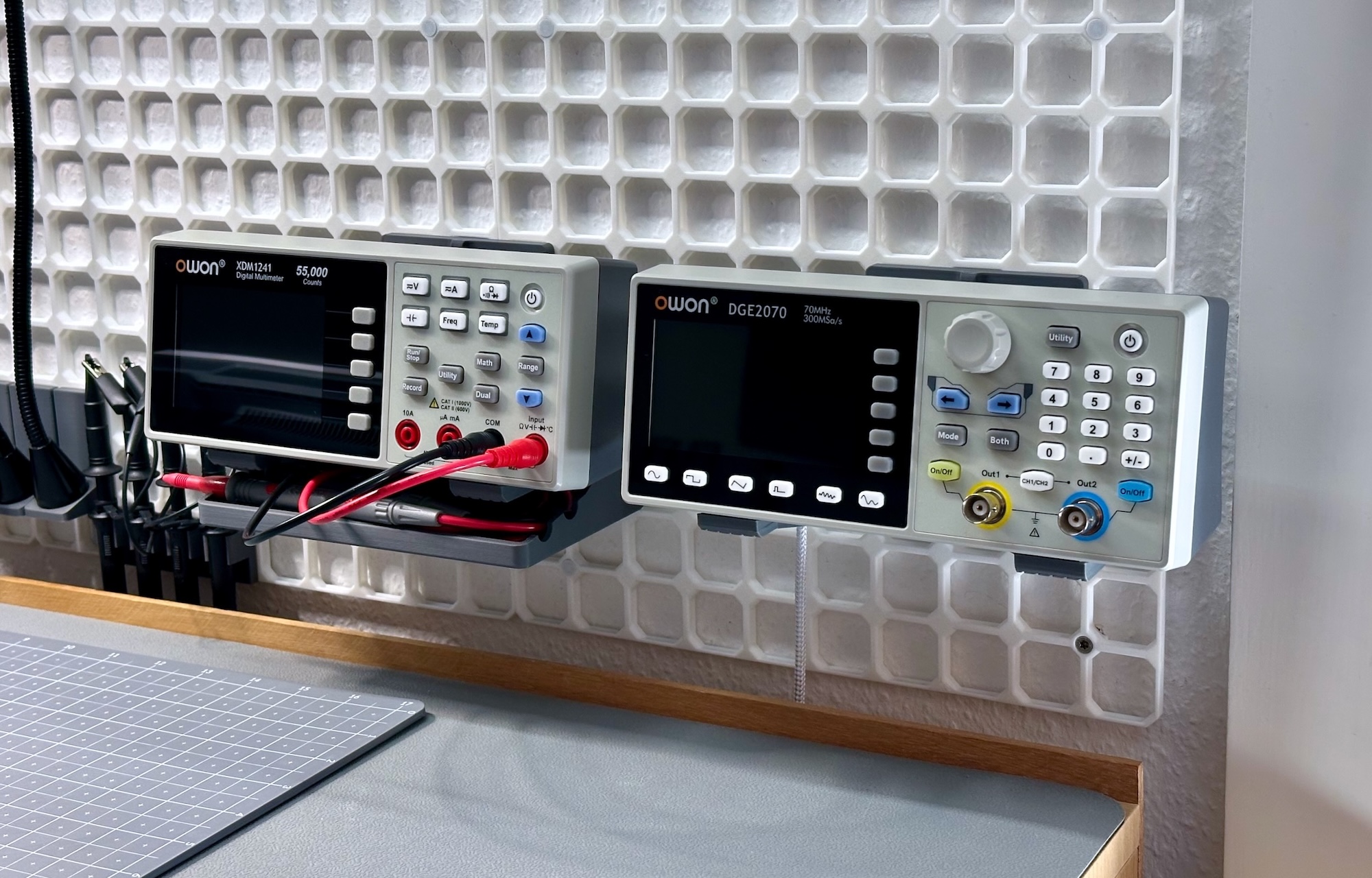
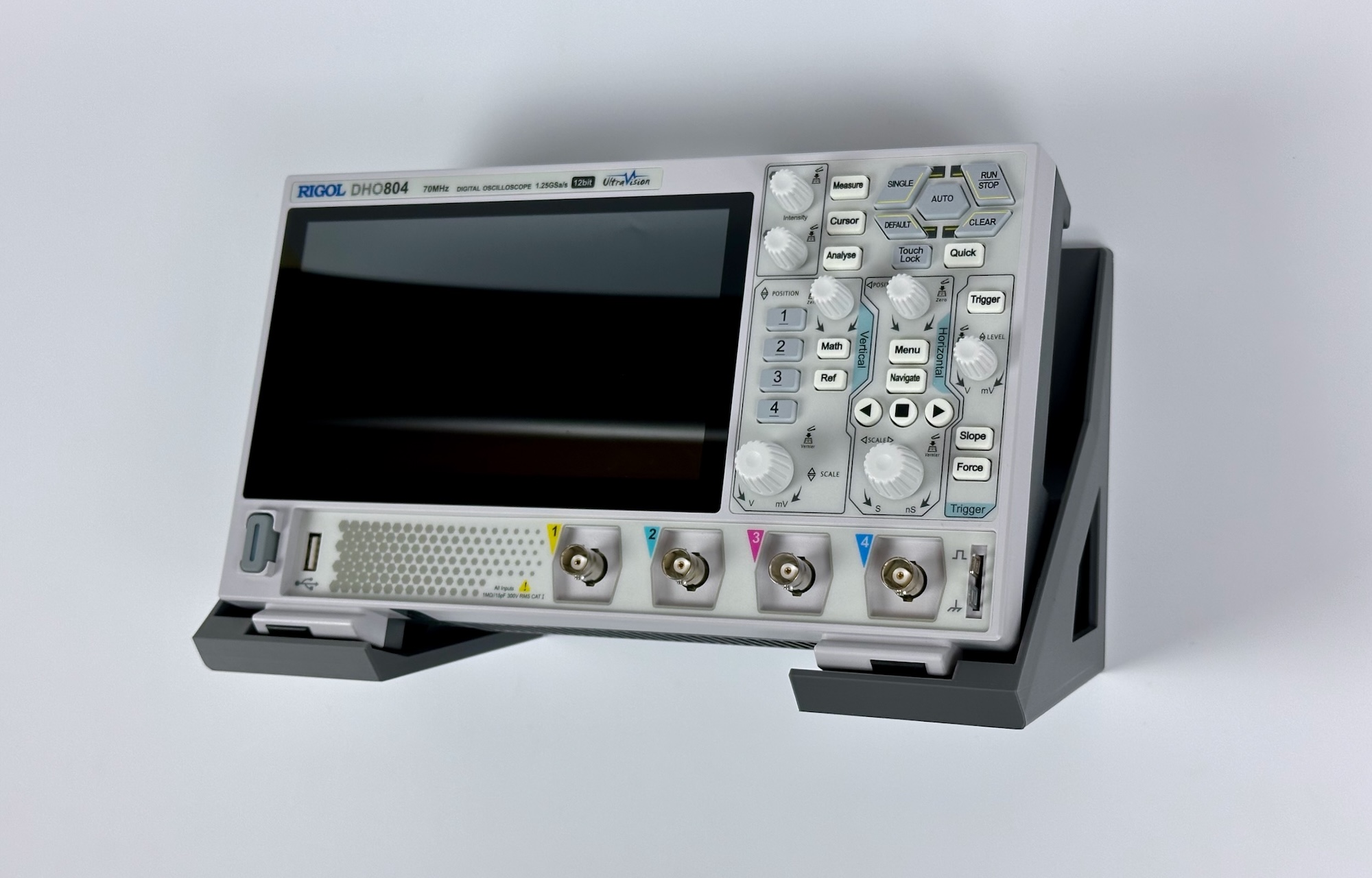
Of the many models I have built, some of my favorites are the mounts for the RIGOL oscilloscope, the OWON multimeter/signal generator, and the FNIRSI power supply. The mount for the OWON DGE/XDM devices is almost invisible, which I really like. At the same time, it is stable enough that you can press all the buttons without the device wobbling around, which it tends to do without the mount. A separate “cable tray” for the multimeter probes is also included. For that, I prototyped a number of more elaborate snap holders, but in the end a simple tray with some recesses for the probes turned out to be the best and most universal solution.
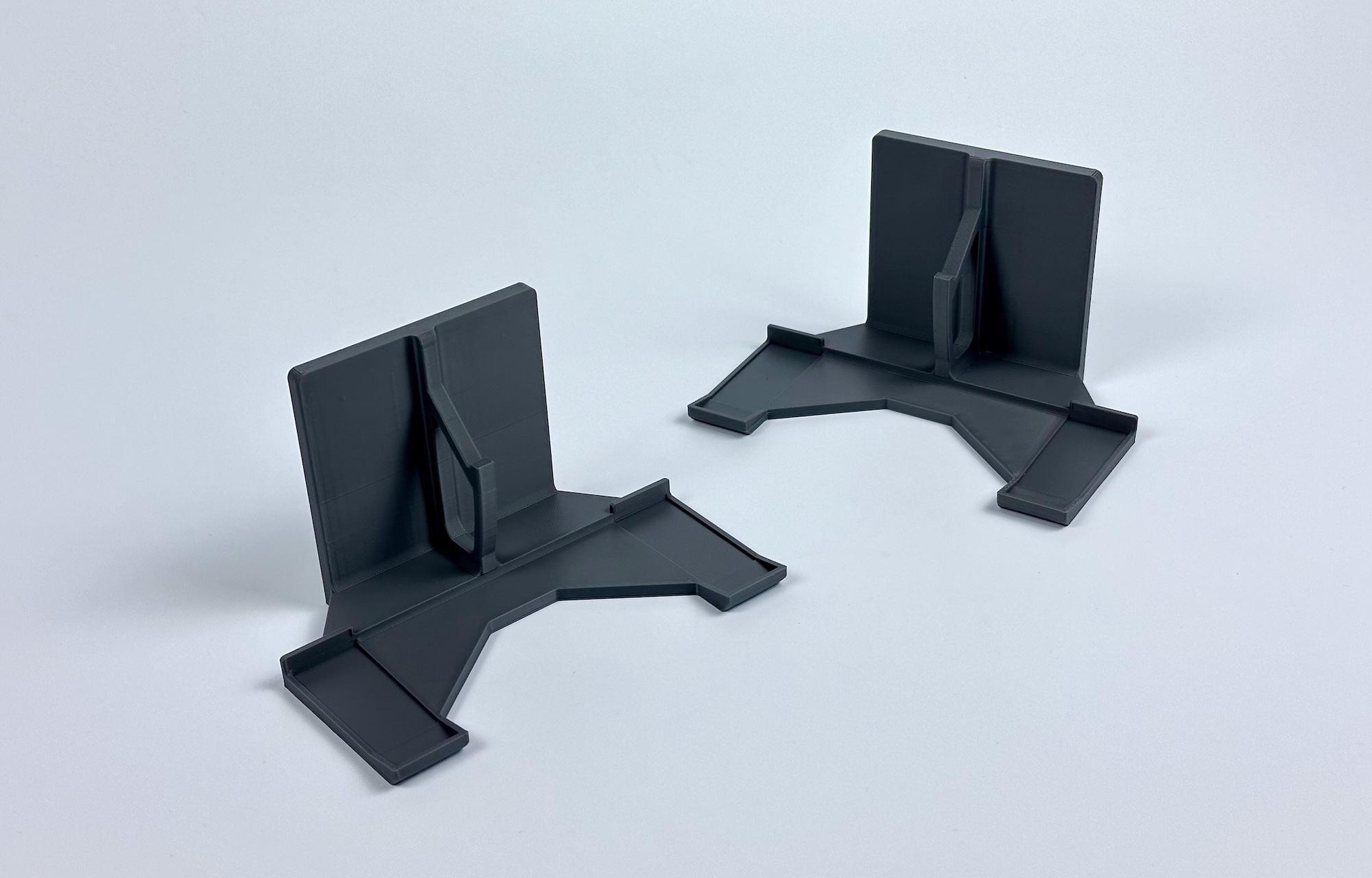
The mount for the RIGOL DHO and MHO oscilloscopes is not quite as invisible, but I was still going for a sleek, minimalist, and unobtrusive look. As with all the mounts, the geometry that the device sits on is fitted nicely, while the rest is shaped for stability, robustness, and functionality, while still neatly matching the design of the device.

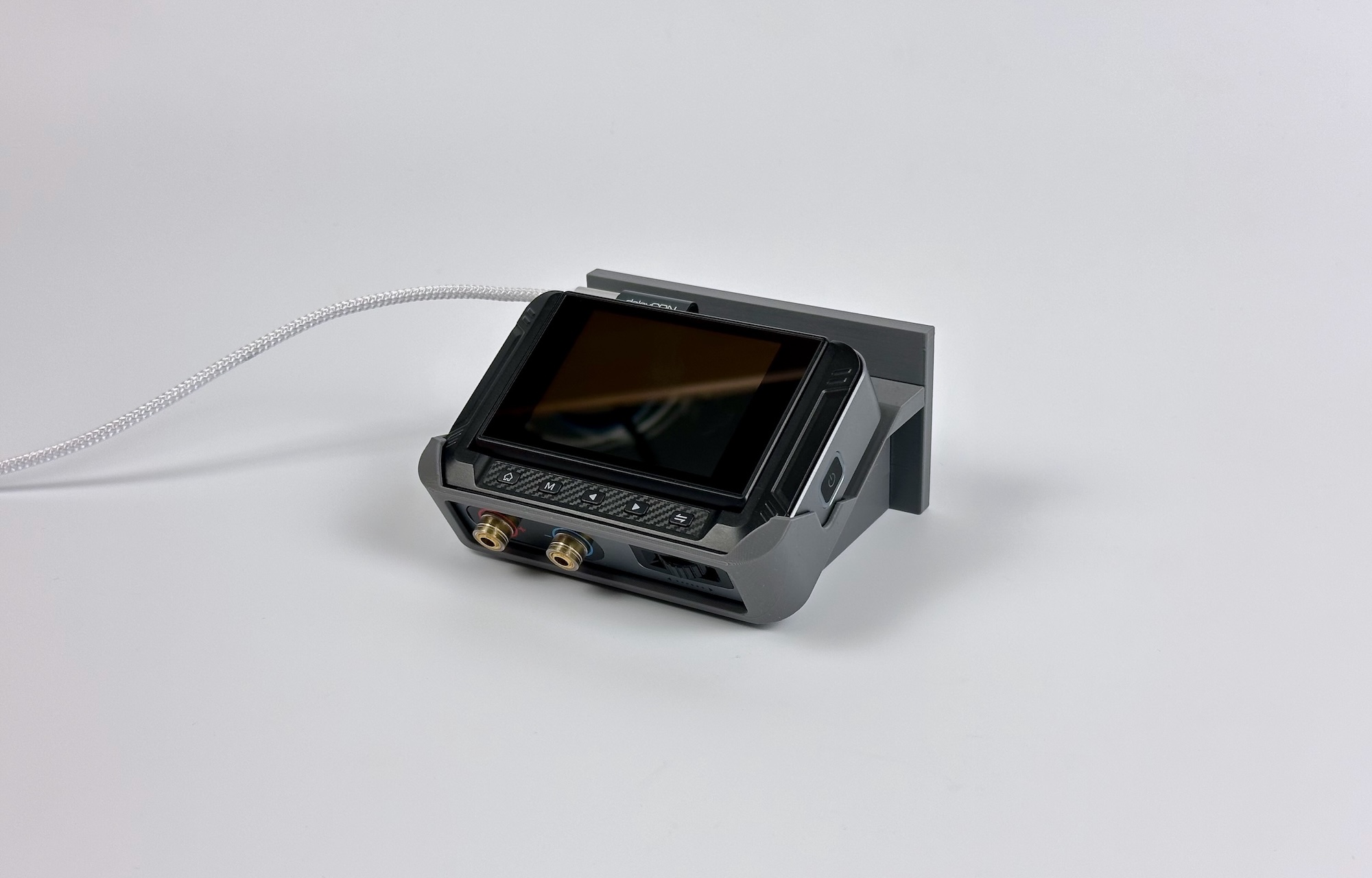
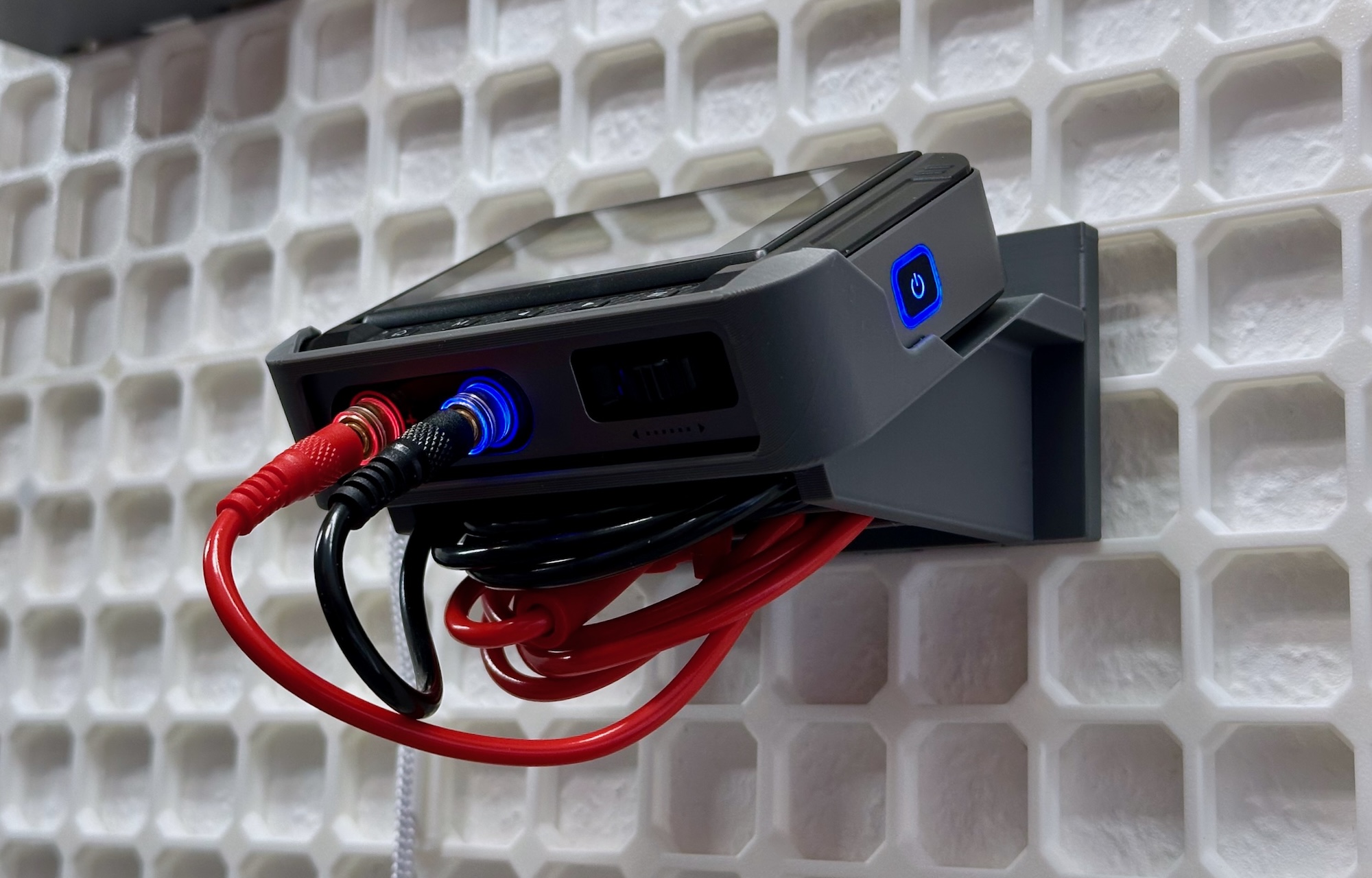
I also like how pleasantly the mount for the FNIRSI DPS-150 power supply fits around its enclosure. I also tried to make use of all the available space. Because the device sits angled in the mount, there is some space underneath, which I used for two slots where the connected cables can be stored.
To complete my wall, I needed a number of additional holders and mounts. These include a holder for the NeoBlade ultrasonic cutter, one for the FNIRSI DMC-100 multimeter, and one for the “rugged case” that houses my Pinecil soldering iron. There are also mounts for a Bachmann power strip, a BK-112D charging station, an ESD socket, and helping hands with a magnifying glass. Everything is available on my Cults profile.